
iPhone・iPad・Android のレベル測量の野帳

読みを打てば、その場で地盤高。
検算も閉合差も、同じ野帳で。

オートレベルと標尺で高さを測る、水準測量の野帳です。BM の地盤高から、後視・中間視・前視を1行ずつ打つたびに、器械高と地盤高が出ます。昇降式の昇・降、Σ後視 − Σ前視の検算、閉合差と許容、計画高との差(切土・盛土)と丁張の標尺の読みまで、1つの表に出します。

App Store・Google Play で配信予定

買い切りで全部の機能が使え、アプリ内課金・サブスクリプション・広告はありません。
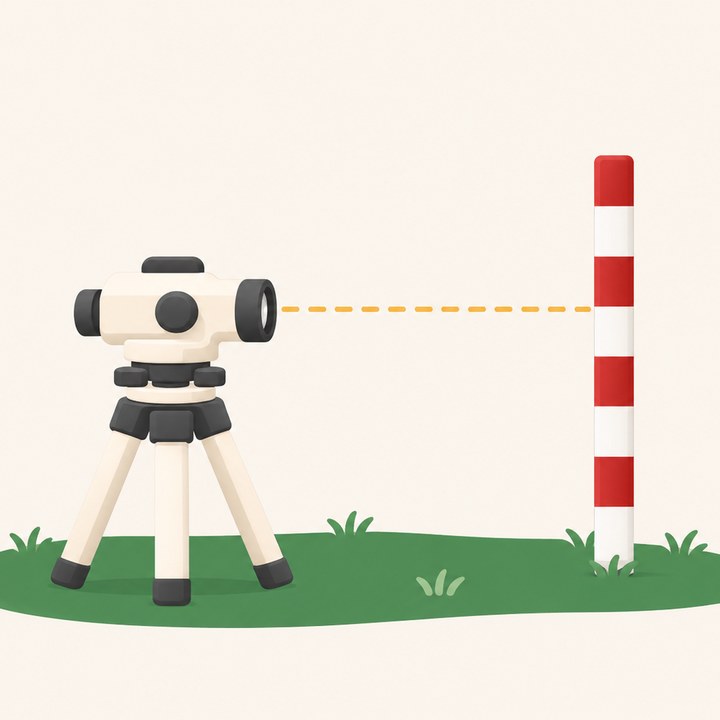
現場でオートレベルと標尺を使って高さを測っている様子のイラスト

こんな困りごとのために

現場で電卓を叩いて、紙の野帳に写す

読みを打つと、器械高と地盤高がその場で出ます。盛替えは同じ行に前視と後視を打つだけです。

1つ打ち間違えると、下が全部ずれる

行を押して直すと、その下の地盤高まで計算し直します。行を消す・上に足すもできます。

検算と閉合差を、あとで別に計算している

Σ後視 − Σ前視、Σ昇 − Σ降、閉合差と許容(mm√S)を、打つたびに出します。閉合差を器械点の数で配った「直した高さ」も出ます。

計画高まであと何 cm か、すぐ知りたい

計画高を入れると、切土・盛土と、計画高を出すために標尺で読む値(丁張)が出ます。

できること

読み後視・中間視・前視・盛替え(前視と後視)・距離・計画高・メモ
出す値器械高・地盤高・昇・降・切盛・標尺の読み(丁張)・直した高さ
検算と閉合Σ後視 − Σ前視・Σ昇 − Σ降・最後の点 − BM・閉合差・許容(1級 2.5〜簡易 40 mm√S・係数も入れられる)
野帳現場ごとにまとめる・日付・BM・閉合の決まり・表の字の大きさ(3段)
データ野帳の CSV・iCloud Drive の毎日の控え・控えのファイル・ゴミ箱(30日)・アカウントなし・解析と広告なし

計算は入れた読みをもとにしたものです。公共測量の成果としての扱いは、それぞれの規程に従ってください。

使い方・プライバシーポリシー・利用規約もご覧ください。

A level book for iPhone, iPad and Android

Enter a reading, get the reduced level.
Checks and misclosure in the same book.

A level book for leveling with an auto level and staff. Start from your BM's reduced level and enter back, intermediate and fore sights one row at a time: the height of instrument and reduced level appear right away. Rise and fall, the ΣBS − ΣFS check, misclosure and tolerance, cut and fill against design levels and the staff reading for setting out are all in one table.

Coming to the App Store and Google Play

One purchase unlocks everything. No in-app purchases, subscriptions or ads.

Illustration of leveling on site with an auto level and a staff

Made for these problems

Working it out on a calculator, then copying it into a paper book

Enter a reading and the height of instrument and reduced level appear at once. A change point is one row with a fore sight and a back sight.

One typo shifts everything below

Tap a row to fix it and every reduced level below is recalculated. Delete a row or insert one above it.

Doing the checks and misclosure separately later

ΣBS − ΣFS, ΣRise − ΣFall, the misclosure and its tolerance (mm√S) update as you enter readings. Adjusted levels distribute the misclosure by the number of setups.

How far to the design level?

Enter a design level to see cut or fill and the staff reading that sets out the design level.

What it does

ReadingsBack sight, intermediate sight, fore sight, change point (fore and back), distance, design level, notes
ResultsHeight of instrument, reduced level, rise, fall, cut/fill, staff reading for setting out, adjusted level
Checks and closureΣBS − ΣFS, ΣRise − ΣFall, last point − BM, misclosure, tolerance (2.5 to 40 mm√S, or your own coefficient)
Level booksGrouped by site, with a date, BM and closure settings; table text in three sizes
DataCSV of level books, daily iCloud Drive backups, backup file, Trash (30 days), no account, no analytics or ads

Results are based on the readings you enter. For official survey records, follow the rules that apply to your work.

See also Help, the Privacy Policy and the Terms of Use.